Case study — 01
Frenchy
Smiles
A custom website and the patient acquisition system behind it, for a porcelain veneer practice in Atlanta.
- Client
- Frenchy Smiles
Dr. David Motoban — Atlanta, GA - Scope
- Website · lead capture pipeline · staff CRM · cloud infrastructure
- Status
- Website live.
CRM built and staged, launch held until the vendor BAAs are signed.
01 — The problem
A five-figure
service with
no front door
Frenchy Smiles does porcelain veneer work in the tens of thousands of dollars per case, with a large Instagram following driving the interest.
What it did not have was anywhere for that interest to land. There was no website of the practice’s own. The link in the bio went to a bare Google Form.
No site to sell the work
Someone considering a $30,000 decision had nothing to look at except a form, and no way to see the work, understand the process, or find out what a visit involved.
Enquiries went into a spreadsheet
The Google Form dropped submissions into a sheet. Nothing ordered them, nothing chased them, and nothing recorded whether anyone had called.
Patient information in the wrong places
People type real medical detail into a consultation form. A general-purpose form tool is not built to hold that, and a practice carries the consequences.
No picture of the pipeline
There was no way to answer how many people were waiting for a call, who had been waiting longest, or which enquiries had already been handled.
02 — What we built
Part one:
the website
Eleven public pages, built from scratch. A scroll-driven 3D sequence carries the home page, and the rest of the site does the unglamorous work of answering what a patient actually wants to know before they call.
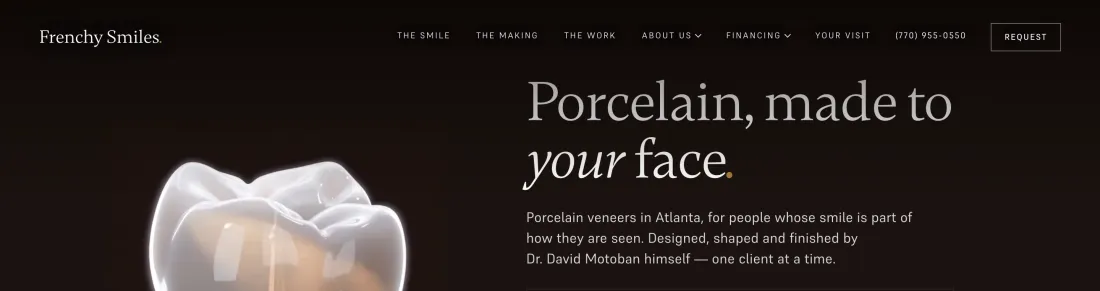
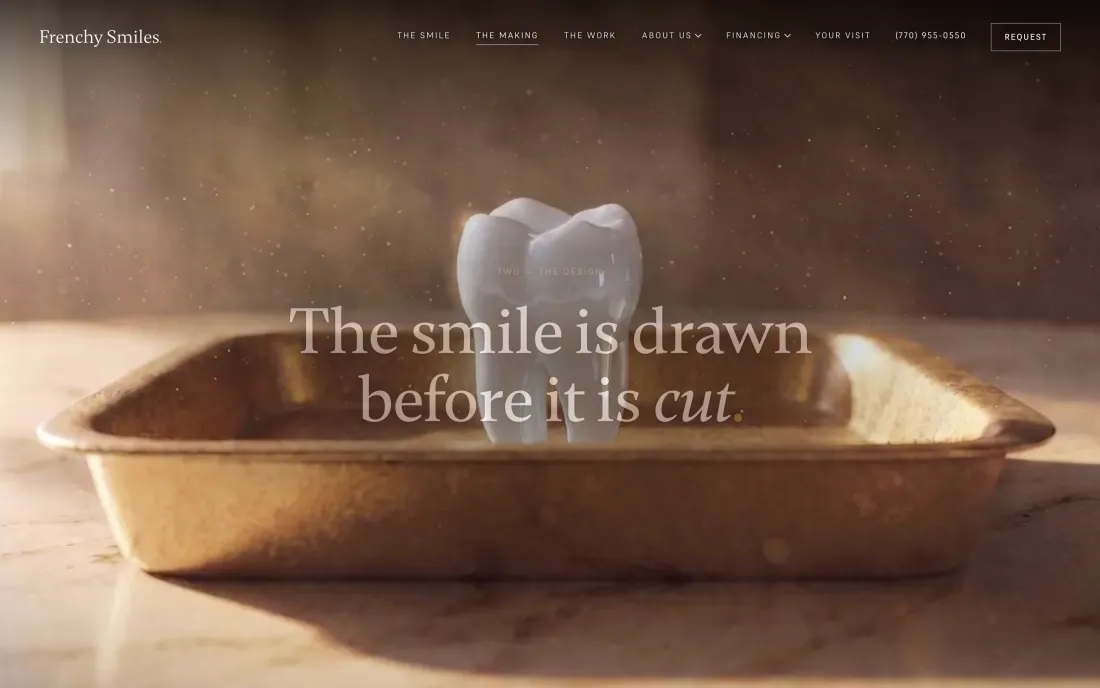
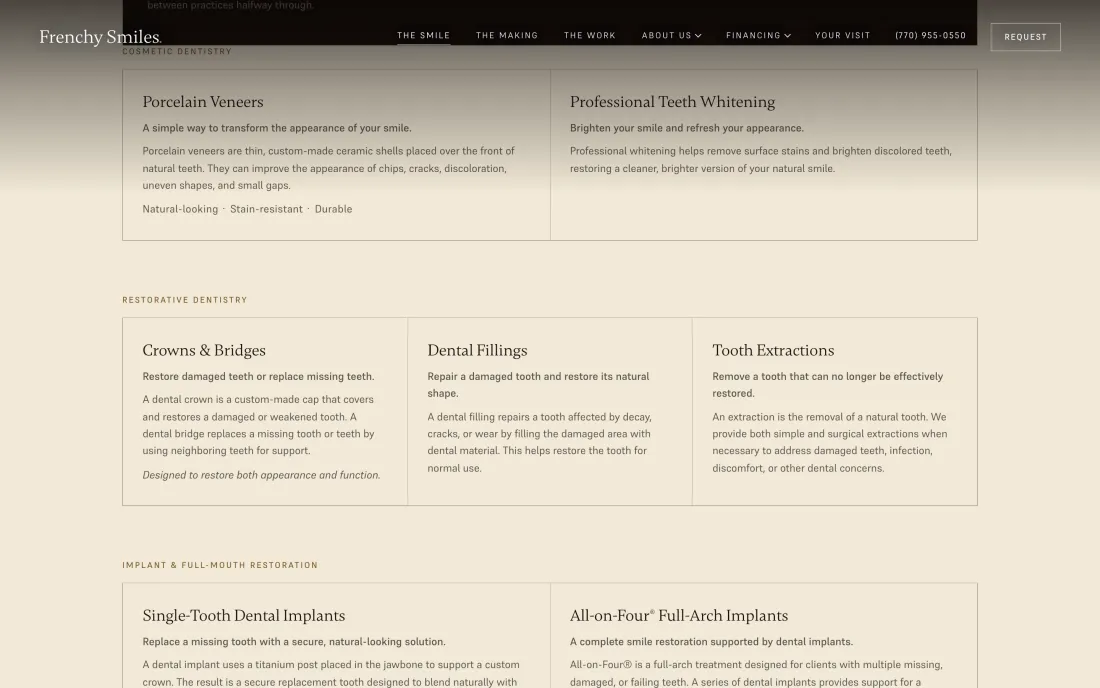
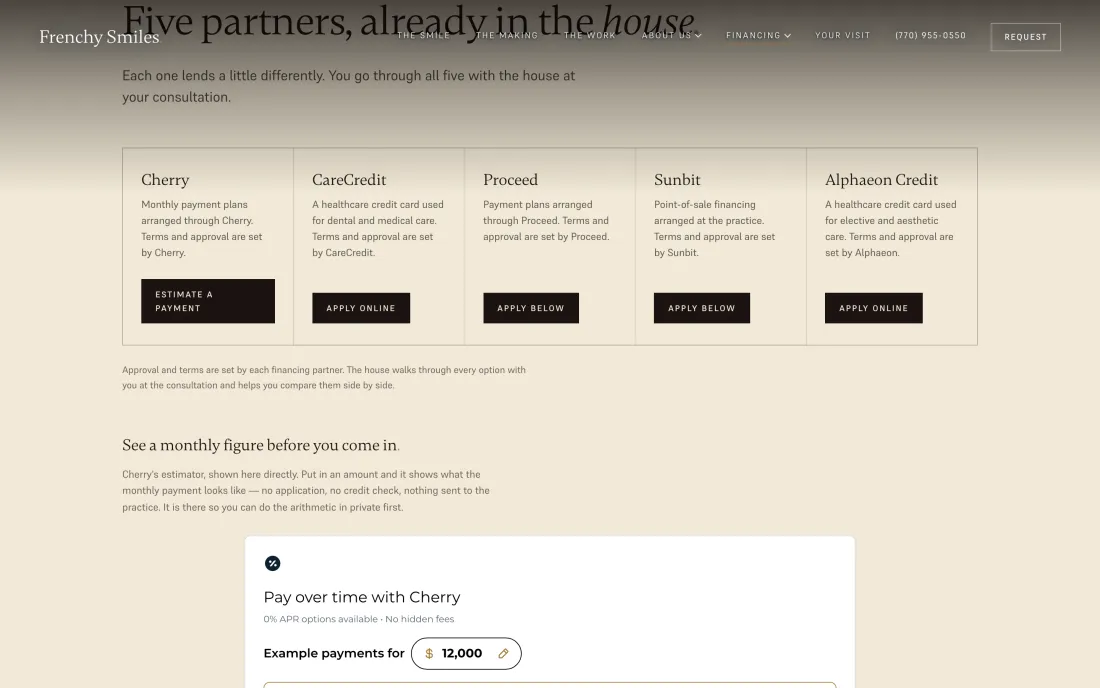

The 3D sequence is a decoded image sequence driven by scroll position, with a separate portrait frame set for phones so a narrow screen isn’t downloading and discarding landscape frames. That is the sort of detail nobody notices when it is right.
03 — What we built
Part two:
the system
A website that collects enquiries and does nothing with them is a nicer version of the Google Form. The second half of this project is the software the front desk works in.
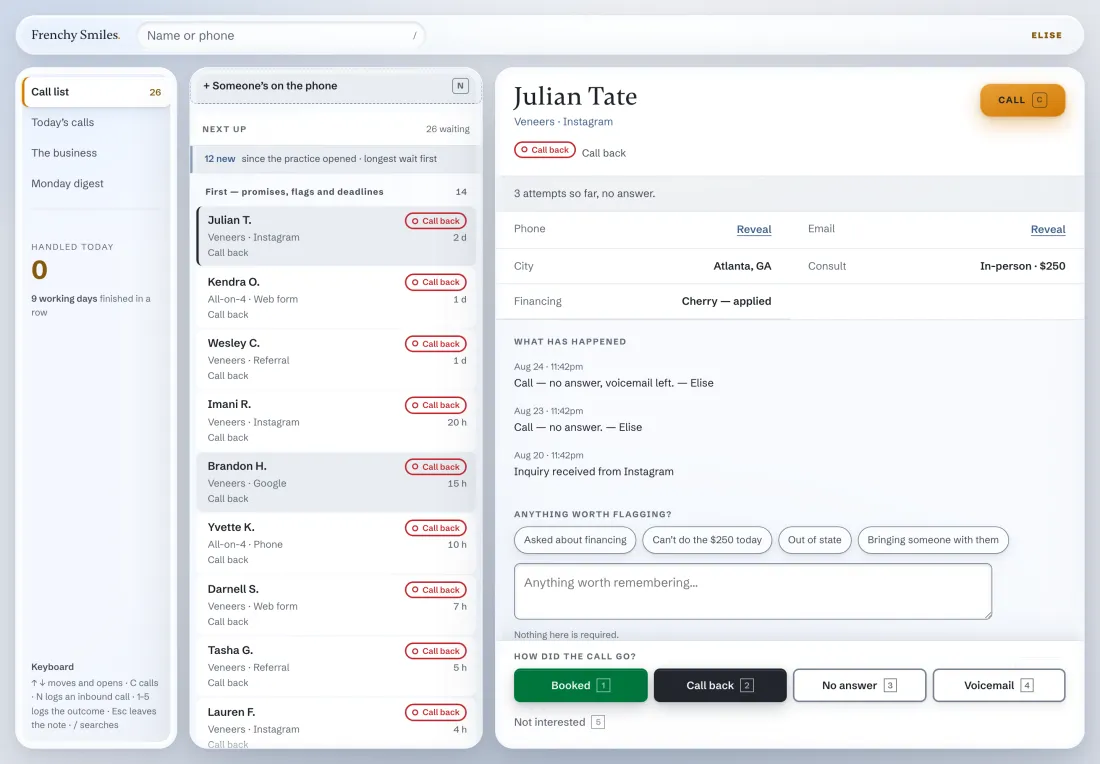
- 1The queue. Every source, one list, longest wait first.
- 2Sealed contact details. Behind a Reveal control; each opening is recorded against the staff member.
- 3Every attempt, dated. A new staff member picks the conversation up cold.
- 4Outcome in one keystroke. Number keys one to five, then the next one is up.
- 5Source on every record. Instagram, web form, phone or referral, logged at capture.
Fig. 06Call queue and patient record — staff viewDemonstration data, not patients
What it does
One queue, longest wait first
Every enquiry from every source lands in the same list. The order is decided by who has been waiting, not by who happens to be scrolling.
Contact details stay sealed until opened
Phone and email sit behind a Reveal control. Opening one is an action recorded against the staff member who did it.
Outcomes logged in one keystroke
Booked, call back, no answer, voicemail, not interested — number keys one to five. If logging is slow, it stops happening.
Accounts are issued, never self-served
The practice administrator creates staff logins. There is no sign-up page, and no role a person can grant themselves.
04 — System view
Where an enquiry goes
One path, from the form to the phone call, with every step recorded.
Consultation request submitted from any page on thefrenchysmiles.com.
Posted straight from the browser to the practice’s own endpoint on AWS. The site has no backend of its own to compromise.
Identifying details are written into a separately encrypted vault. The analytics side of the database never touches it.
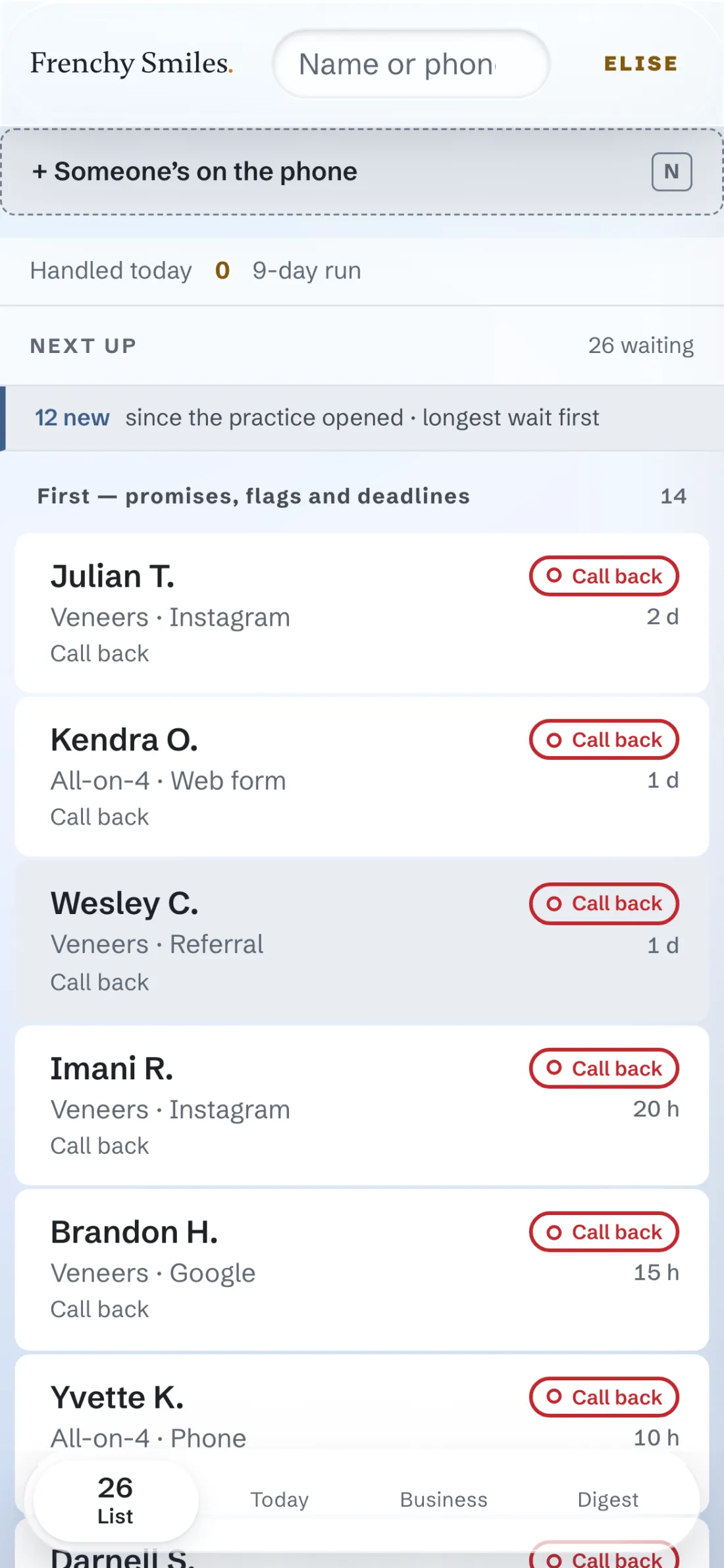
The enquiry appears in the call list, ordered by wait, flagged if it carries a promise or a deadline.
Staff call, log the outcome, and the notification of the original enquiry has already reached the office by email.
The practice’s clinical records system and its phone system were both left exactly where they were. Neither is integrated in version one, and that was a decision rather than an omission — see below.
05 — Decisions
The calls
that shaped it
A build is mostly decisions. These are the four that changed the shape of this one, each written down at the time so nobody has to re-derive it later.
Patient data lives in one place only
Everything touching patient information runs inside a single vendor boundary covered by a business associate agreement. It ruled out several cheaper, more convenient services, which is the point of writing the rule down before you are tempted.
Don’t integrate what you can’t integrate honestly
The clinical system’s API is partner-gated and the phone system has no public send API. Rather than build something brittle against neither, version one leaves both alone and the practice keeps using them as-is.
Availability is our own source of truth
Appointment availability is held in the system’s own database with a constraint that makes a double-booking impossible at the storage layer, rather than trusting a calendar API to be right.
Public intake fails closed
Until the system is formally promoted to production it refuses anonymous submissions outright and tells the patient to phone the practice. A half-open front door is worse than a closed one.
06 — The build
What is actually in it
Counts from the repository, not adjectives.
Public pages
On the live site, each with its own metadata and its own mobile layout.
Database migrations
Every schema change recorded in order and replayable from empty.
Test suites
Covering capture, authentication, roles, booking, notification and erasure.
Decision records
The architectural calls above, written down with their reasoning.
07 — Where it stands
Site live.
System staged.
The website is live and taking consultation requests, and the site’s form now posts directly to the practice’s own infrastructure. The legacy Google Form has been retired.
The CRM is finished and deployed, and deliberately not yet carrying real patient data. Opening it is waiting on things that are not engineering: a signed business associate agreement, an attorney review of the contract terms, production sending access from the email provider, and a handful of decisions only the practice can make.
We could have opened it months ago and dealt with the paperwork afterwards. On a system holding patient information, that is the wrong order, and we would make the same call again.
08 — Outcome
What changed
A practice that had no website now has one that matches the price of the work, and a system built around how its front desk actually spends a day.
We are not going to put a conversion percentage on this page. The system has not yet run a month of real patient traffic, so any number here would be invented. When there is something real to report, it will appear here and it will be measured.